
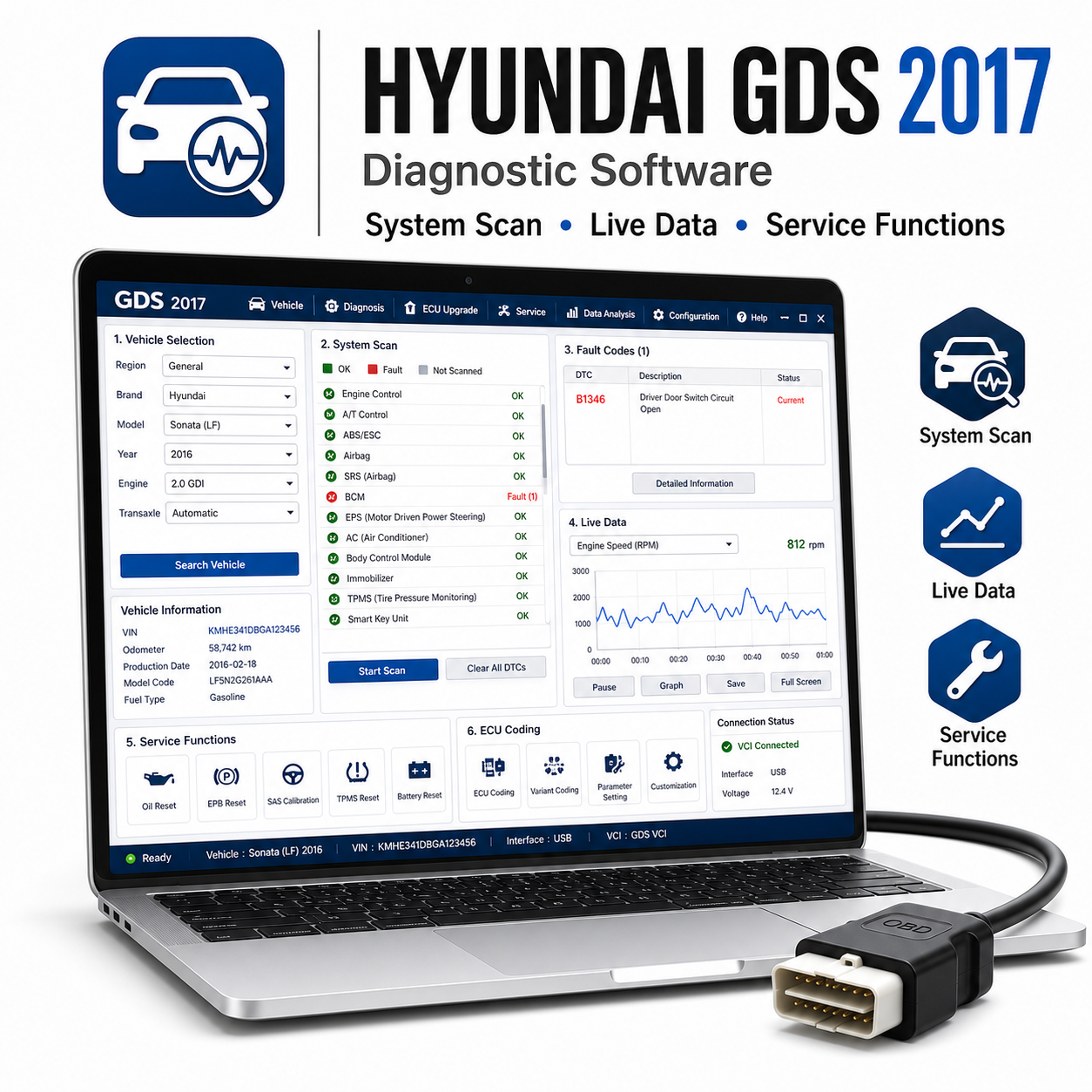
Hyundai GDS 2017 is diagnostic software for Hyundai and Kia vehicles. It is designed for workshop diagnostics, ECU scanning, live data, actuator testing, service routines, and repair guidance when used with compatible GDS hardware.
Supported vehicles and models:
– Hyundai models such as i10, i20, i30, i40, Accent, Elantra, Sonata, Santa Fe, Tucson, ix20, ix35, H-1, Genesis, Kona, and related models where supported.
– Kia models such as Picanto, Rio, Ceed, Optima, Sportage, Sorento, Soul, Carens, Carnival, Stonic, Niro, and related models where supported.
Supported features:
– Vehicle scan and control unit identification.
– Read and clear DTCs from supported systems.
– Live data, actuator tests, freeze-frame data, and ECU information.
– Service reset, steering angle calibration, ABS bleeding, injector functions, DPF functions, TPMS functions, and adaptations where supported.
– Workshop manuals and technical information may be included depending on package.
Required diagnostic tool:
Hyundai/Kia GDS VCI, VCI II, or compatible diagnostic interface depending on vehicle and driver support.
System requirements:
– Windows 7 or Windows 10 recommended depending on driver support.
– Intel Core i3/i5 recommended.
– 4 GB RAM recommended.
– 20 GB free disk space recommended.
– Compatible VCI drivers and administrator rights.
Languages:
English is commonly supplied. Other languages depend on package and region.
Delivery and support:
– You will get the software download link right after purchase.
– Detailed installation guide included.
– Installation support included with every tool.
Installation note:
Some older diagnostic packages and USB interface drivers may be blocked by antivirus software during extraction or installation. Use only files from a trusted source, follow the included guide, temporarily pause protection only if required for the installation step, and enable antivirus protection again after the software and drivers are installed.
Disclaimer:
A compatible diagnostic interface is required and is not included unless clearly stated separately. Vehicle coverage, functions, coding options, service procedures, and live data availability depend on the exact vehicle model, production year, ECU type, market, interface quality, driver compatibility, and Windows setup. Always use diagnostic and programming functions carefully and keep a stable battery power supply connected when performing service routines, coding, adaptation, or flashing operations.




 English
  German
  Spanish
  Italian
  French
  Hebrew
  Dutch
Dutch  Finnish
  Norwegian
  Swedish
  Polish
no problem recommended
Seller helped with remote install
great
download was very slow
software opened fine