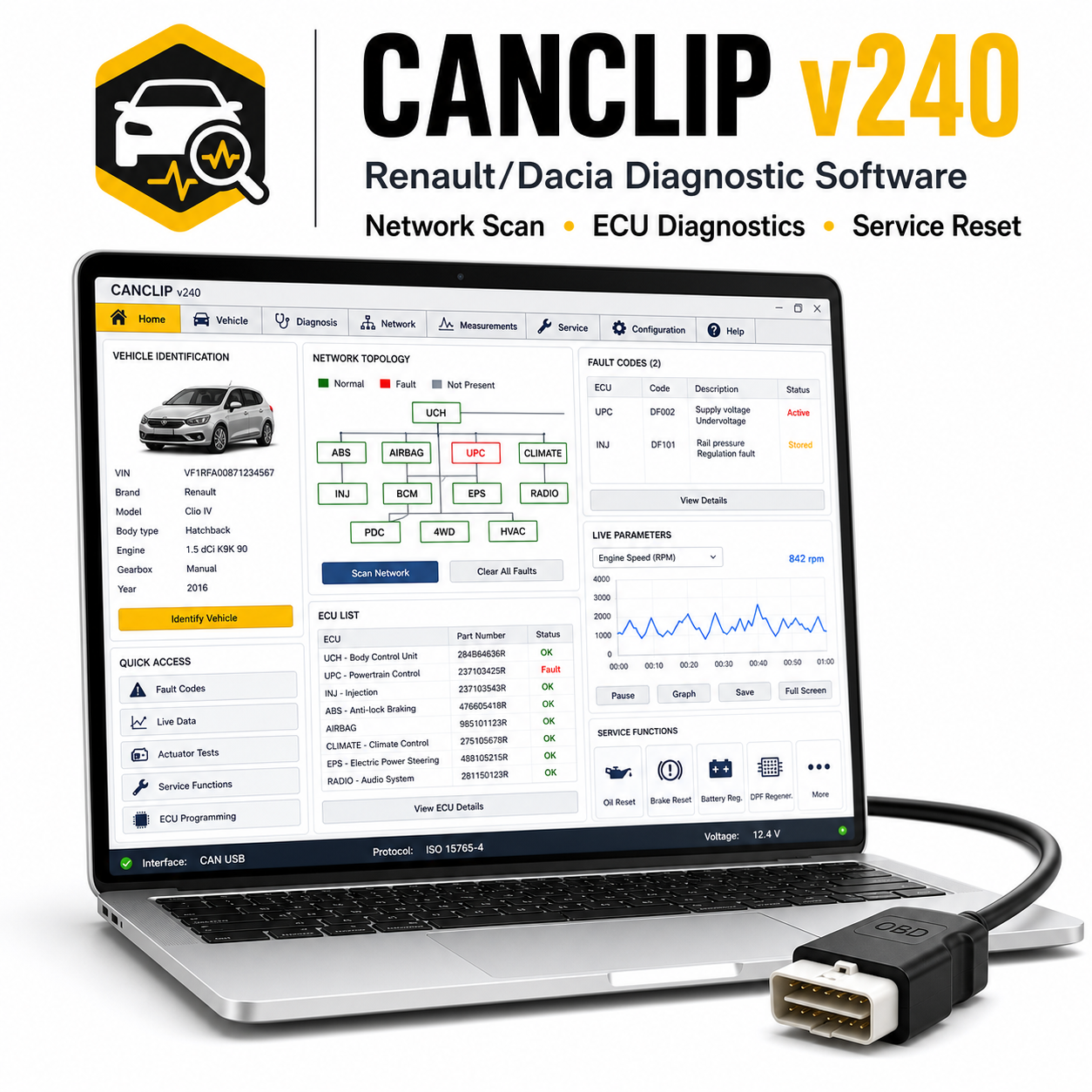
Renault CanClip v240 is a newer CanClip diagnostic software release for Renault and Dacia vehicles. It is intended for users who need updated vehicle coverage while still using a compatible CAN Clip diagnostic interface.
Ondersteunde voertuigen en modellen:
– Renault models such as Clio, Megane, Scenic, Captur, Kadjar, Koleos, Talisman, Espace, Kangoo, Trafic, Master, Arkana, Zoe, and related models where supported.
– Dacia models such as Sandero, Logan, Duster, Jogger, Dokker, Lodgy, Spring, and related models where supported.
Ondersteunde functies:
– Vehicle identification and full system scan.
– Read and clear fault codes across supported modules.
– Live data, actuator testing, ECU information, and guided diagnostic functions.
– Service reset, DPF functions, injector coding, configuration, calibration, and maintenance routines where supported.
– Updated coverage compared with older CanClip versions, subject to vehicle and interface compatibility.
Vereist diagnoseapparaat:
Renault CAN Clip interface or compatible CAN Clip hardware. Some older interfaces may not work reliably with newer CanClip versions.
Systeemvereisten:
– Windows 10 recommended.
– Intel Core i3/i5 aanbevolen.
– 4 GB RAM minimum, 8 GB recommended.
– 20 GB vrije schijfruimte aanbevolen.
– Correct CAN Clip drivers and administrator rights.
Talen:
Multi-language support is commonly available depending on package, including English and French plus other European languages.
Levering en ondersteuning:
– Je ontvangt de downloadlink voor de software direct na aankoop.
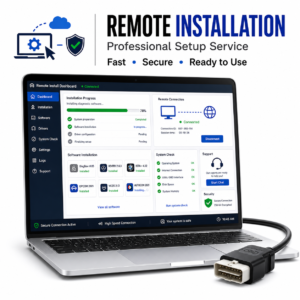
– Inclusief gedetailleerde installatiehandleiding.
– Bij elk gereedschap is installatieondersteuning inbegrepen.
Opmerking bij de installatie:
Sommige oudere diagnostische pakketten en stuurprogramma’s voor USB-interfaces kunnen tijdens het uitpakken of installeren door antivirussoftware worden geblokkeerd. Gebruik uitsluitend bestanden uit een betrouwbare bron, volg de bijgevoegde handleiding, schakel de beveiliging tijdelijk uit als dat nodig is voor de installatiestap, en schakel de antivirusbeveiliging weer in nadat de software en stuurprogramma’s zijn geïnstalleerd.
Disclaimer:
Er is een compatibele diagnose-interface vereist; deze wordt niet meegeleverd, tenzij dit apart duidelijk wordt vermeld. De ondersteuning van voertuigmodellen, functies, codeeropties, onderhoudsprocedures en de beschikbaarheid van realtime gegevens zijn afhankelijk van het exacte voertuigmodel, het bouwjaar, het type ECU, de markt, de kwaliteit van de interface, de compatibiliteit met het stuurprogramma en de Windows-configuratie. Gebruik diagnose- en programmeerfuncties altijd zorgvuldig en zorg voor een stabiele batterijvoeding tijdens het uitvoeren van onderhoudsroutines, codering, aanpassing of het flashen van de ECU.




 English
  German
  Spanish
  Italian
  French
  Hebrew
  Dutch
Dutch  Finnish
  Norwegian
  Swedish
  Polish
geen probleem, een aanrader
De verkoper heeft geholpen bij de installatie op afstand
geweldig
het downloaden ging erg traag
de software is prima opgestart