
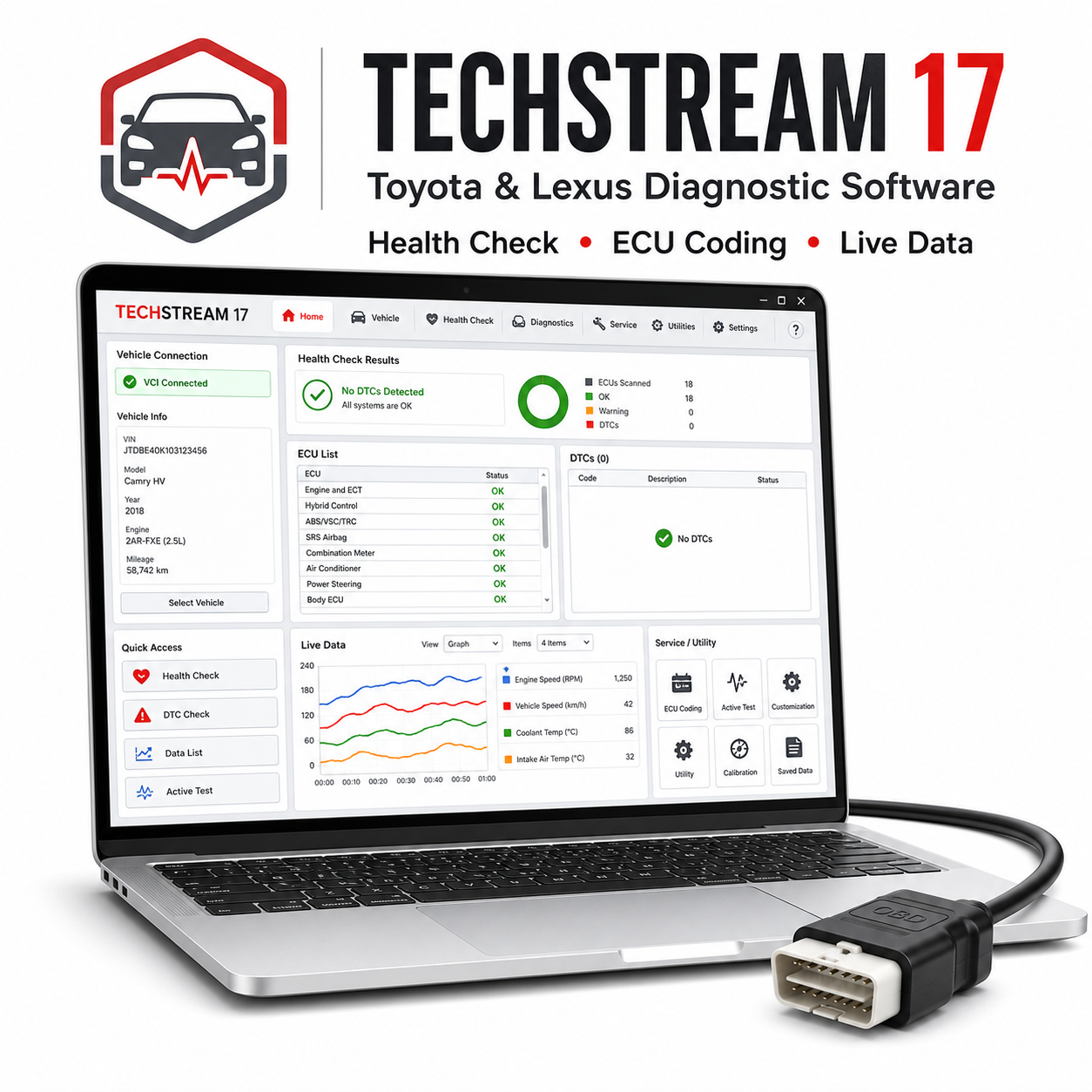
Toyota Techstream 17 is diagnose-software voor voertuigen van Toyota, Lexus en Scion. Het is bedoeld voor gebruikers die behoefte hebben aan fabrieksmatige diagnoses, systeemcontroles, realtime gegevens, hulpprogramma’s en aanpassingsmogelijkheden in combinatie met een compatibele Toyota-diagnose-interface.
Ondersteunde voertuigen en modellen:
– Toyota-, Lexus- en Scion-voertuigen uit diverse modeljaren, afhankelijk van de interface en de regio.
– Veelvoorkomende Toyota-modellen zijn onder meer de Yaris, Corolla, Auris, Avensis, Camry, Prius, RAV4, Hilux, Land Cruiser, Proace, Verso, CH-R en Highlander.
– Tot de gangbare Lexus-modellen behoren de IS, ES, GS, LS, RX, NX, CT, UX, GX en LX, voor zover deze worden ondersteund.
Ondersteunde functies:
– Gezondheidscontrole en volledige systeemscan.
– Diagnosecodes van ondersteunde ECU’s uitlezen en wissen.
– Lijsten met livegegevens en stilstaande beelden.
– Actieve tests voor onderdelen zoals ventilatoren, kleppen, relais, pompen en aandrijvingen, voor zover beschikbaar.
– Functies zoals kalibratie, registratie, reset, initialisatie, TPMS-functies, codering van injectoren, ontluchten van het ABS-systeem, kalibratie van de stuurhoek en controles van het hybride systeem, voor zover ondersteund.
– Instellingen voor het aanpassen van het voertuig met betrekking tot sloten, verlichting, de smart key, comfortfuncties en waarschuwingssignalen, voor zover beschikbaar.
Vereist diagnoseapparaat:
Mini VCI J2534-kabel, Toyota-interface van het type Mongoose of een ander compatibel J2534-doorvoersysteem.
Systeemvereisten:
– Windows 7, 8, 10 of 11.
– 32-bits Windows biedt vaak de beste compatibiliteit met Mini VCI-stuurprogramma’s.
– Intel Core i3 of beter, minimaal 2 GB RAM, 4 GB aanbevolen.
– 5 GB vrije schijfruimte.
– .NET Framework en een compatibele J2534-driver zijn geïnstalleerd.
Talen:
Standaardpakketten worden in het Engels geleverd. Of er andere talen beschikbaar zijn, hangt af van het installatiepakket.
Levering en ondersteuning:
– Je ontvangt de downloadlink voor de software direct na aankoop.
– Inclusief gedetailleerde installatiehandleiding.
– Bij elk gereedschap is installatieondersteuning inbegrepen.
Opmerking bij de installatie:
Sommige oudere diagnostische pakketten en stuurprogramma’s voor USB-interfaces kunnen tijdens het uitpakken of installeren door antivirussoftware worden geblokkeerd. Gebruik uitsluitend bestanden uit een betrouwbare bron, volg de bijgevoegde handleiding, schakel de beveiliging tijdelijk uit als dat nodig is voor de installatiestap, en schakel de antivirusbeveiliging weer in nadat de software en stuurprogramma’s zijn geïnstalleerd.
Disclaimer:
Er is een compatibele diagnose-interface vereist; deze wordt niet meegeleverd, tenzij dit apart duidelijk wordt vermeld. De ondersteuning van voertuigmodellen, functies, codeeropties, onderhoudsprocedures en de beschikbaarheid van realtime gegevens zijn afhankelijk van het exacte voertuigmodel, het bouwjaar, het type ECU, de markt, de kwaliteit van de interface, de compatibiliteit met het stuurprogramma en de Windows-configuratie. Gebruik diagnose- en programmeerfuncties altijd zorgvuldig en zorg voor een stabiele batterijvoeding tijdens het uitvoeren van onderhoudsroutines, codering, aanpassing of het flashen van de ECU.




 English
  German
  Spanish
  Italian
  French
  Hebrew
  Dutch
Dutch  Finnish
  Norwegian
  Swedish
  Polish
geen probleem, een aanrader
De verkoper heeft geholpen bij de installatie op afstand
geweldig
het downloaden ging erg traag
de software is prima opgestart