
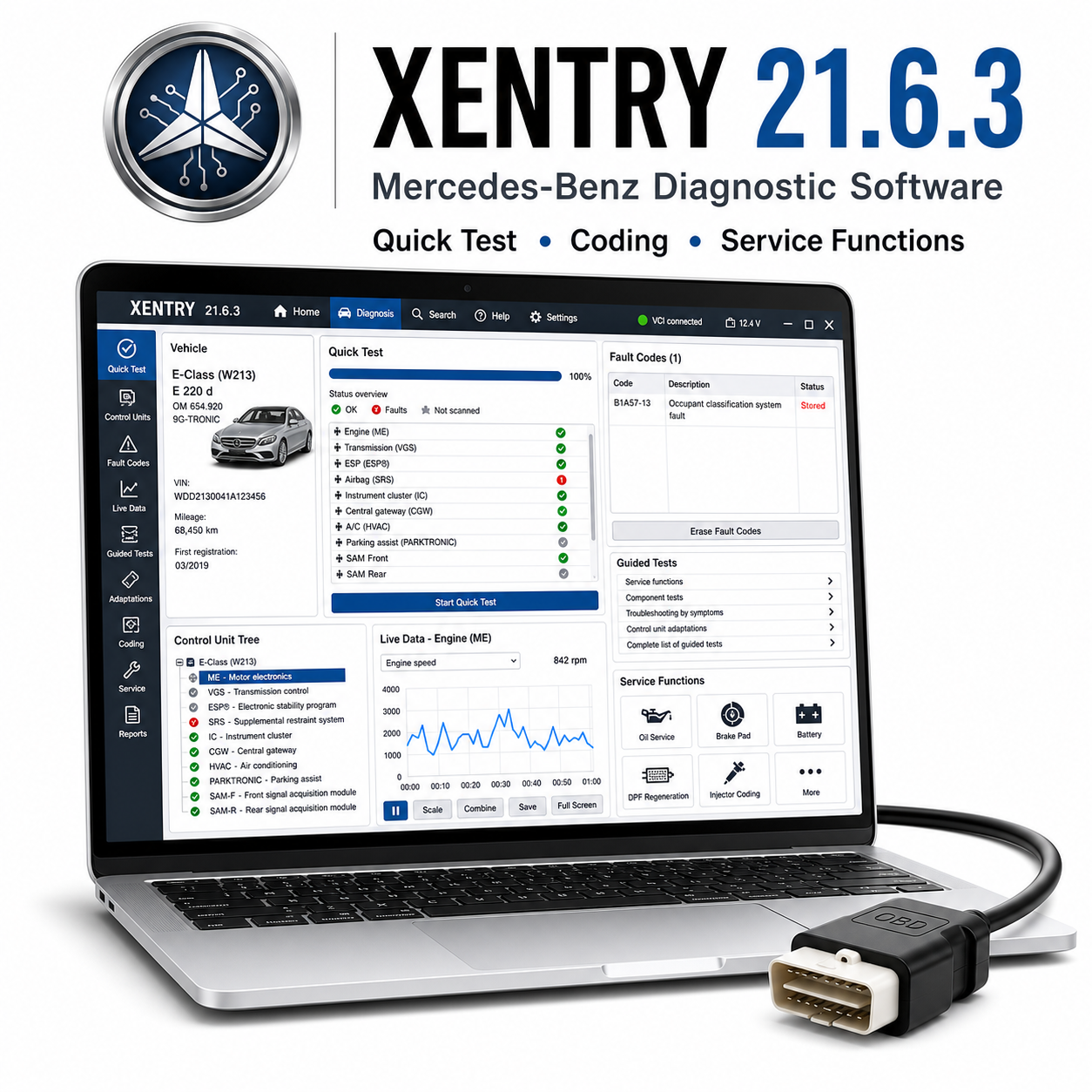
Mercedes Xentry 21.6.3 is diagnose-software voor personenauto’s, bestelwagens, vrachtwagens en Smart-voertuigen van Mercedes-Benz, afhankelijk van het geïnstalleerde pakket en de compatibele diagnosehardware. De software is bedoeld voor uitgebreide systeemdiagnose, gestuurde tests, foutopsporing, onderhoudsprocedures en communicatie met regeleenheden.
Ondersteunde voertuigen en modellen:
– Mercedes-Benz-personenauto’s, waaronder de A-Klasse, B-Klasse, C-Klasse, E-Klasse, S-Klasse, CLA, CLS, GLA, GLC, GLE, GLS, GLK, ML, SL, SLK/SLC, G-Klasse en AMG-uitvoeringen, voor zover deze worden ondersteund.
– Bestelwagens van Mercedes-Benz, waaronder de Vito, Viano, V-Klasse, Sprinter en Citan, werden ondersteund.
– Slimme modellen en bepaalde bedrijfsvoertuigen, afhankelijk van de geïnstalleerde gegevens en interface.
Ondersteunde functies:
– Snelle test en volledige voertuigcontrole.
– Foutcodes uitlezen en wissen uit de systemen van de motor, de transmissie, ESP/ABS, SRS, SAM, het instrumentenpaneel, de carrosserie, de comfort- en veiligheidssystemen.
– Geleide tests, werkelijke waarden, bedieningstests, aanpassingen, inleerprocessen en service-resets.
– DAS-ondersteuning voor oudere Mercedes-modellen, voor zover deze was inbegrepen.
– De werkprocessen voor codering en programmering zijn afhankelijk van bestanden, de interface, het voertuig en de online/offline-configuratie.
Vereist diagnoseapparaat:
Hardware die compatibel is met Mercedes Star Diagnosis, zoals C4, C5, C6 of een compatibele pass-through-interface, afhankelijk van het voertuig en de configuratie.
Systeemvereisten:
– Voor deze generatie wordt meestal Windows 10 64-bit gebruikt.
– Intel Core i5 aanbevolen.
– 8 GB RAM aanbevolen.
– Voor volledige installaties wordt 120 GB vrije schijfruimte aanbevolen.
– Een stabiele netwerk- en VCI-driverconfiguratie en beheerdersrechten.
Talen:
Of er meertalige pakketten beschikbaar zijn, hangt af van de configuratie van het installatieprogramma. Engels en Duits worden vaak gebruikt.
Levering en ondersteuning:
– Je ontvangt de downloadlink voor de software direct na aankoop.
– Inclusief gedetailleerde installatiehandleiding.
– Bij elk gereedschap is installatieondersteuning inbegrepen.
Opmerking bij de installatie:
Sommige oudere diagnostische pakketten en stuurprogramma’s voor USB-interfaces kunnen tijdens het uitpakken of installeren door antivirussoftware worden geblokkeerd. Gebruik uitsluitend bestanden uit een betrouwbare bron, volg de bijgevoegde handleiding, schakel de beveiliging tijdelijk uit als dat nodig is voor de installatiestap, en schakel de antivirusbeveiliging weer in nadat de software en stuurprogramma’s zijn geïnstalleerd.
Disclaimer:
Er is een compatibele diagnose-interface vereist; deze wordt niet meegeleverd, tenzij dit apart duidelijk wordt vermeld. De ondersteuning van voertuigmodellen, functies, codeeropties, onderhoudsprocedures en de beschikbaarheid van realtime gegevens zijn afhankelijk van het exacte voertuigmodel, het bouwjaar, het type ECU, de markt, de kwaliteit van de interface, de compatibiliteit met het stuurprogramma en de Windows-configuratie. Gebruik diagnose- en programmeerfuncties altijd zorgvuldig en zorg voor een stabiele batterijvoeding tijdens het uitvoeren van onderhoudsroutines, codering, aanpassing of het flashen van de ECU.




 English
  German
  Spanish
  Italian
  French
  Hebrew
  Dutch
Dutch  Finnish
  Norwegian
  Swedish
  Polish
geen probleem, een aanrader
De verkoper heeft geholpen bij de installatie op afstand
geweldig
het downloaden ging erg traag
de software is prima opgestart