
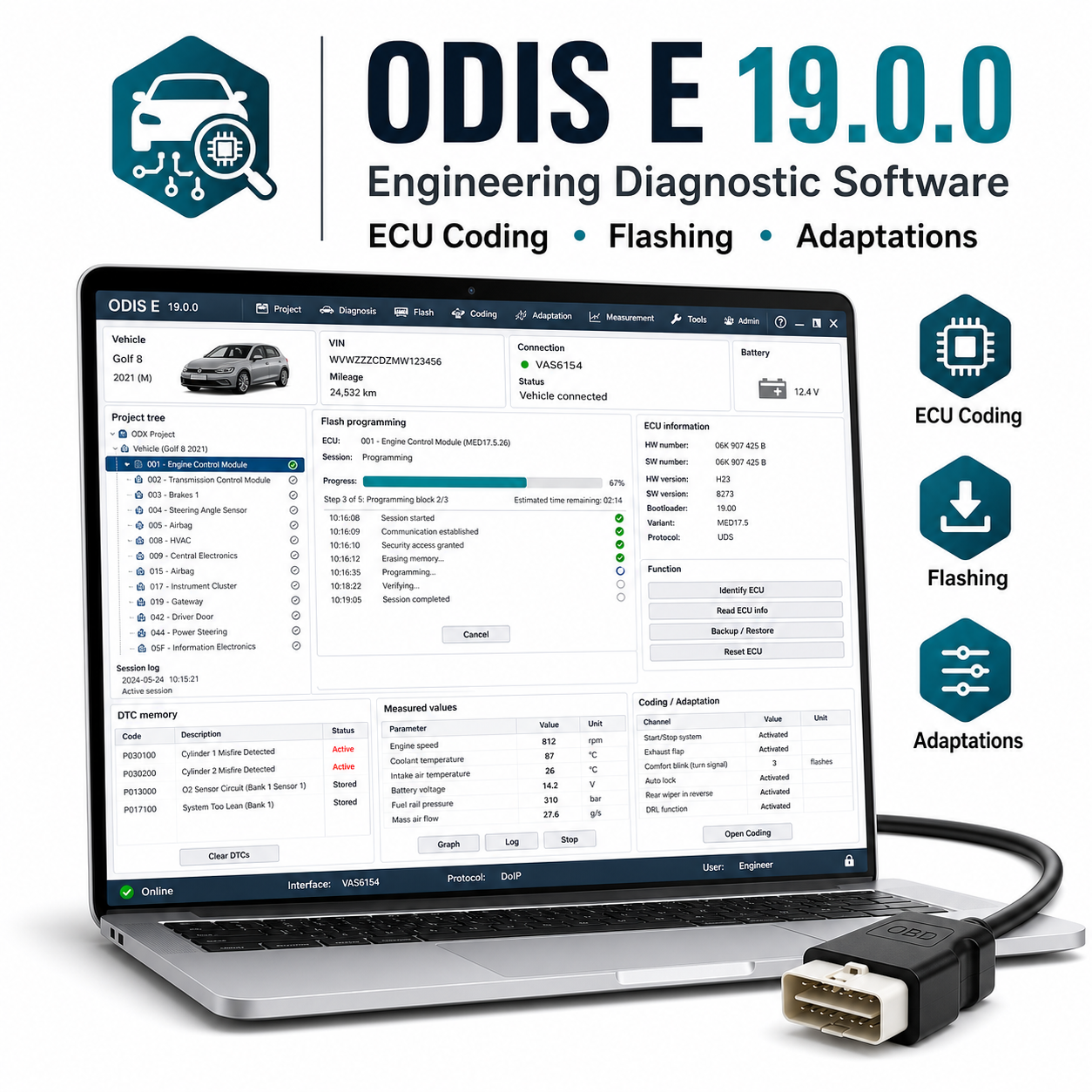
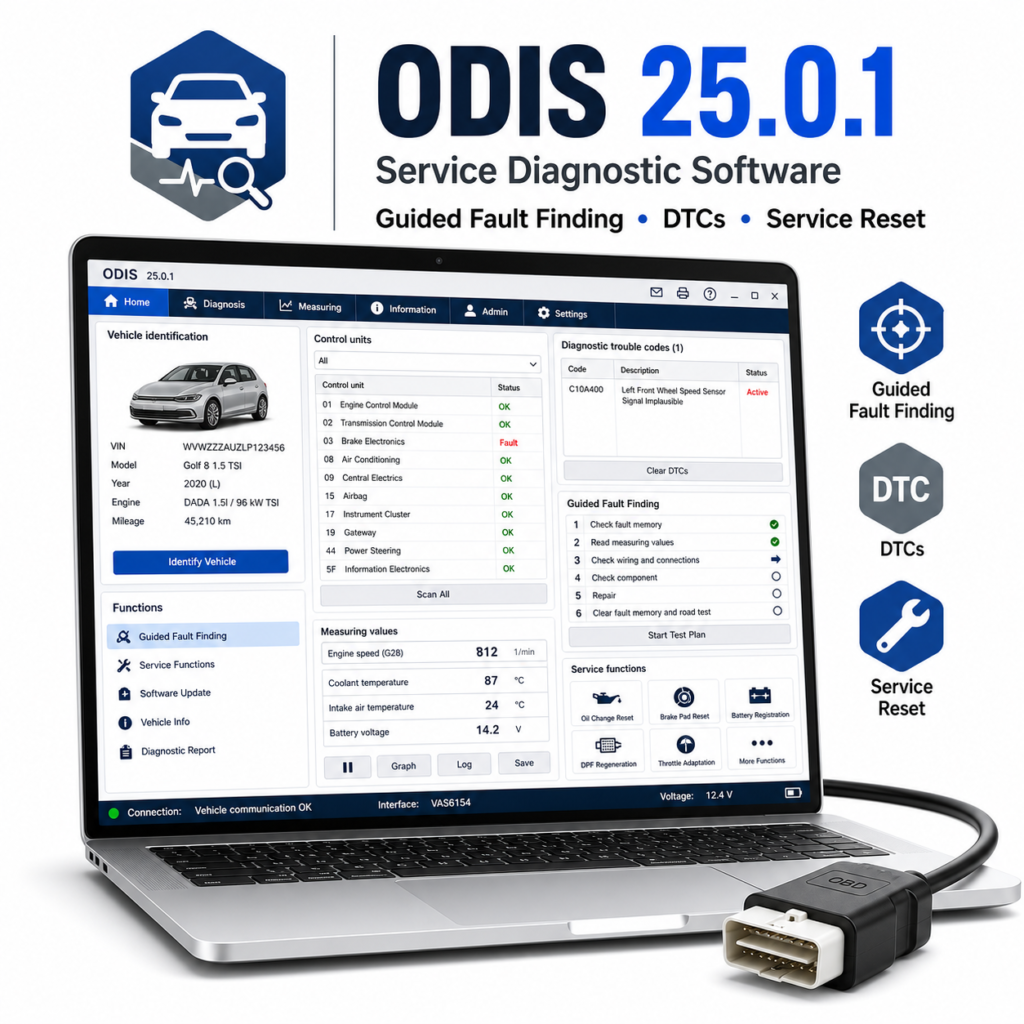
ODIS Engineering 19.0.0 is advanced Volkswagen Group engineering software for experienced users. It is used for deeper ECU communication, engineering diagnostics, coding, adaptations, flashing workflows, and development-style diagnostic tasks where supported.
Ondersteunde voertuigen en modellen:
– Volkswagen, Audi, Skoda, Seat, Cupra, Bentley, and Lamborghini models supported by the installed ODX/PDX data and interface.
– Common platforms include MQB, MLB, MEB, PQ, and related VAG architectures where compatible files and hardware are available.
Ondersteunde functies:
– Engineering-level control unit communication.
– Read and clear DTCs, live values, coding, adaptations, basic settings, and control unit information.
– Flashing workflows where correct flash files, project data, vehicle power supply, and compatible interface are available.
– Diagnostic sessions, measurement values, ECU variants, and advanced communication functions.
Vereist diagnoseapparaat:
VAS 5054A, VAS 6154, VAS 6154A, VNCI, or compatible VAG VCI/pass-thru device. Flashing should be done only with stable professional hardware and power supply.
Systeemvereisten:
– Windows 10 of Windows 11 (64-bits) wordt aanbevolen.
– Intel Core i5/i7 recommended.
– minimaal 8 GB RAM, bij voorkeur 16 GB.
– 80 GB free disk space recommended.
– Correct VCI drivers, engineering data, and administrator rights.
Talen:
English and German are commonly used. Additional languages depend on installed package.
Levering en ondersteuning:
– Je ontvangt de downloadlink voor de software direct na aankoop.
– Inclusief gedetailleerde installatiehandleiding.
– Bij elk gereedschap is installatieondersteuning inbegrepen.
Opmerking bij de installatie:
Sommige oudere diagnostische pakketten en stuurprogramma’s voor USB-interfaces kunnen tijdens het uitpakken of installeren door antivirussoftware worden geblokkeerd. Gebruik uitsluitend bestanden uit een betrouwbare bron, volg de bijgevoegde handleiding, schakel de beveiliging tijdelijk uit als dat nodig is voor de installatiestap, en schakel de antivirusbeveiliging weer in nadat de software en stuurprogramma’s zijn geïnstalleerd.
Disclaimer:
Er is een compatibele diagnose-interface vereist; deze wordt niet meegeleverd, tenzij dit apart duidelijk wordt vermeld. De ondersteuning van voertuigmodellen, functies, codeeropties, onderhoudsprocedures en de beschikbaarheid van realtime gegevens zijn afhankelijk van het exacte voertuigmodel, het bouwjaar, het type ECU, de markt, de kwaliteit van de interface, de compatibiliteit met het stuurprogramma en de Windows-configuratie. Gebruik diagnose- en programmeerfuncties altijd zorgvuldig en zorg voor een stabiele batterijvoeding tijdens het uitvoeren van onderhoudsroutines, codering, aanpassing of het flashen van de ECU.




 English
  German
  Spanish
  Italian
  French
  Hebrew
  Dutch
Dutch  Finnish
  Norwegian
  Swedish
  Polish
geen probleem, een aanrader
De verkoper heeft geholpen bij de installatie op afstand
geweldig
het downloaden ging erg traag
de software is prima opgestart