
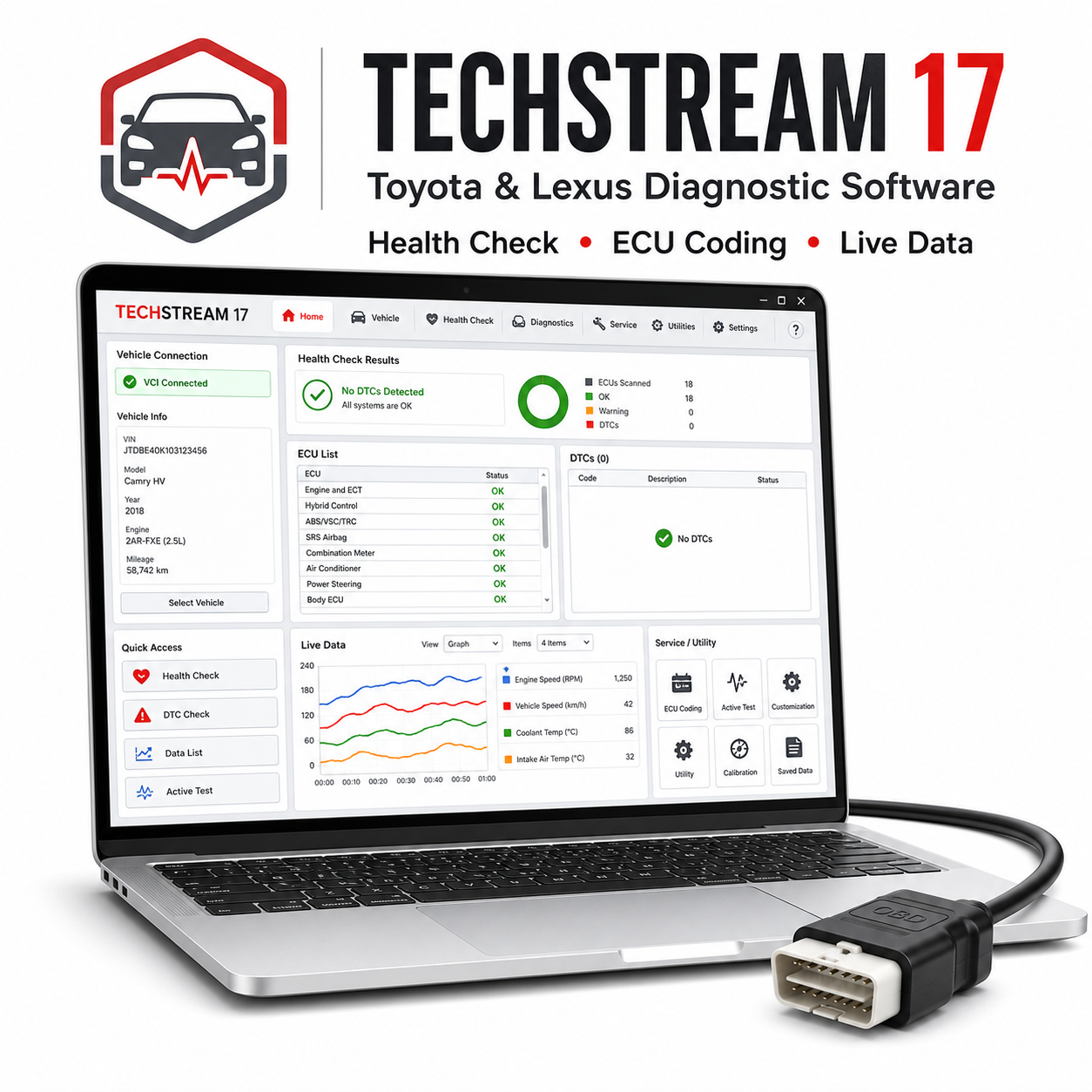
Toyota Techstream 17 is diagnostic software for Toyota, Lexus, and Scion vehicles. It is made for users who need factory-style diagnostics, system checks, live data, utility functions, and customization options with a compatible Toyota diagnostic interface.
Vehículos y modelos compatibles:
– Toyota, Lexus, and Scion vehicles across many model years depending on interface and region.
– Common Toyota models include Yaris, Corolla, Auris, Avensis, Camry, Prius, RAV4, Hilux, Land Cruiser, Proace, Verso, CH-R, and Highlander.
– Common Lexus models include IS, ES, GS, LS, RX, NX, CT, UX, GX, and LX where supported.
Funcionalidades compatibles:
– Health check and full system scan.
– Read and clear diagnostic trouble codes from supported ECUs.
– Live data lists and freeze-frame data.
– Active tests for components such as fans, valves, relays, pumps, and actuators where available.
– Utility functions including calibration, registration, reset, initialization, TPMS functions, injector coding, ABS bleeding, steering angle calibration, and hybrid system checks where supported.
– Vehicle customization settings for locks, lights, smart key, comfort functions, and warning behavior where available.
Herramienta de diagnóstico necesaria:
Mini VCI J2534 cable, Mongoose-style Toyota interface, or other compatible J2534 pass-thru device.
Requisitos del sistema:
– Windows 7, 8, 10, or 11.
– 32-bit Windows often gives best compatibility with Mini VCI drivers.
– Intel Core i3 or better, 2 GB RAM minimum, 4 GB recommended.
– 5 GB free disk space.
– .NET Framework and compatible J2534 driver installed.
Idiomas:
Common packages are supplied in English. Other language availability depends on the installer package.
Entrega y asistencia técnica:
– Recibirás el enlace de descarga del software justo después de la compra.
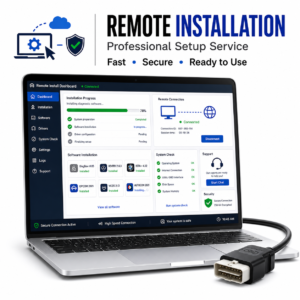
– Se incluye una guía de instalación detallada.
– Asistencia para la instalación incluida con cada herramienta.
Nota sobre la instalación:
Es posible que algunos paquetes de diagnóstico antiguos y controladores de interfaz USB sean bloqueados por el software antivirus durante la extracción o la instalación. Utiliza únicamente archivos procedentes de una fuente fiable, sigue la guía incluida, desactiva temporalmente la protección solo si es necesario para el paso de instalación y vuelve a activar la protección antivirus una vez instalados el software y los controladores.
Aviso legal:
Se requiere una interfaz de diagnóstico compatible, que no se incluye a menos que se indique claramente por separado. La cobertura de vehículos, las funciones, las opciones de codificación, los procedimientos de servicio y la disponibilidad de datos en tiempo real dependen del modelo exacto del vehículo, el año de fabricación, el tipo de ECU, el mercado, la calidad de la interfaz, la compatibilidad del controlador y la configuración de Windows. Utilice siempre las funciones de diagnóstico y programación con precaución y mantenga conectada una fuente de alimentación estable de la batería al realizar rutinas de mantenimiento, codificación, adaptación u operaciones de actualización del firmware.




 English
  German
  Spanish
  Italian
  French
  Hebrew
  Dutch
Dutch  Finnish
  Norwegian
  Swedish
  Polish
No hay problema. Recomendado.
El vendedor me ayudó con la instalación a distancia
genial
La descarga fue muy lenta
El programa se abrió sin problemas