
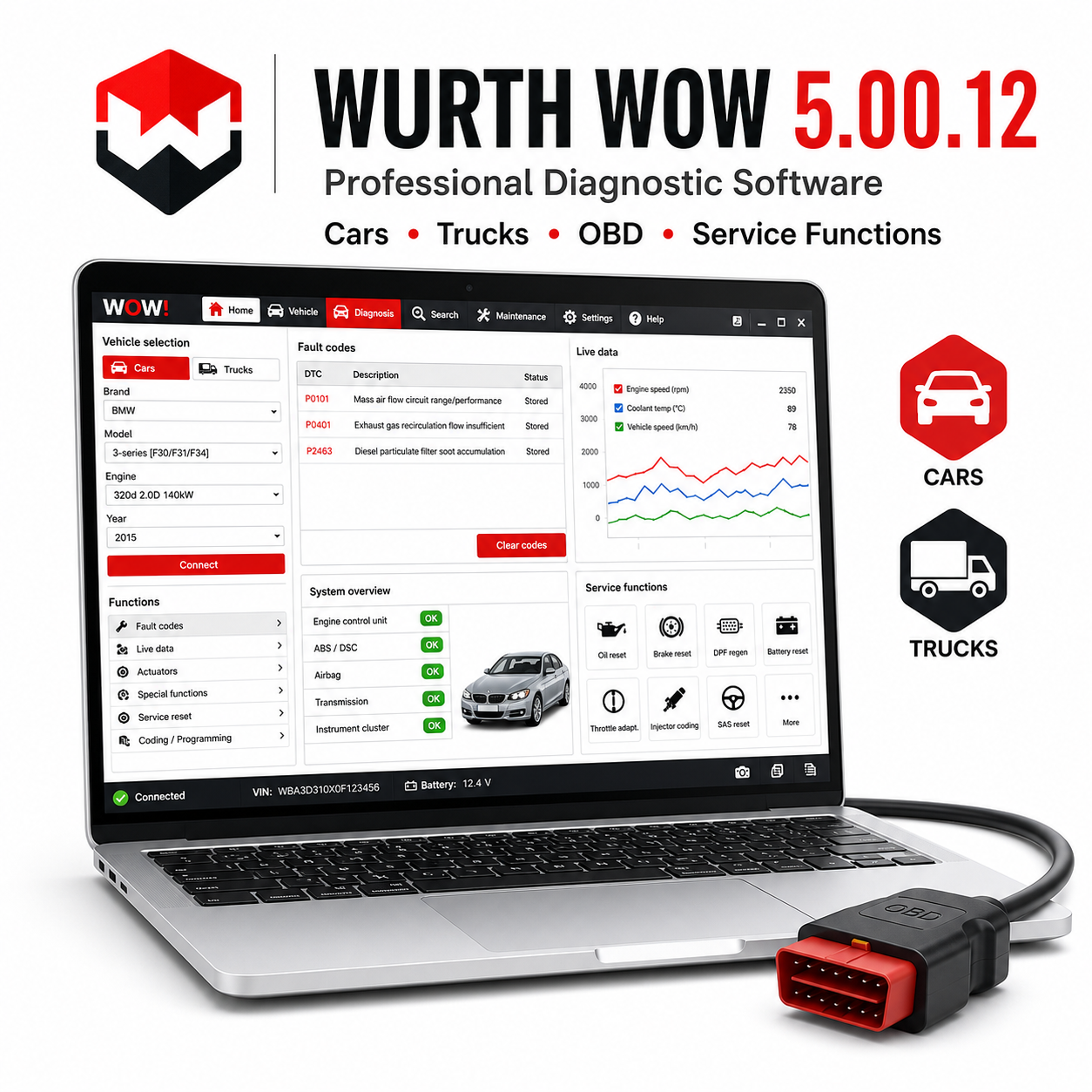
Wurth WOW 5.00.12 is workshop diagnostic software for multi-brand car diagnostics. It is especially useful for general repair shops that need a practical interface for fault codes, live data, service resets, and guided diagnostic work with a compatible Snooper-style interface.
Véhicules et modèles pris en charge :
– Broad European and Asian passenger car coverage, including Volkswagen, Audi, Skoda, Seat, BMW, Mercedes-Benz, Opel, Ford, Peugeot, Citroen, Renault, Fiat, Toyota, Nissan, Hyundai, Kia, Volvo, Mazda, Honda, and more.
– Common supported models include VW Golf/Passat, Audi A3/A4, BMW 3 Series/5 Series, Mercedes C-Class/E-Class, Opel Astra/Corsa, Ford Focus/Mondeo, Peugeot 207/308, Renault Clio/Megane, Toyota Corolla/Yaris, and Hyundai i30/Tucson where covered by the database.
Fonctionnalités prises en charge :
– Automatic vehicle selection and system scan where available.
– Read and erase fault codes from engine, ABS, airbag, gearbox, body, comfort, climate, and dashboard systems.
– Live data with measured values for sensors and actuators.
– Service reset, brake service, DPF functions, injector coding, actuator tests, and adaptation functions where supported.
– Workshop-oriented help screens and diagnostic guidance.
Outil de diagnostic requis :
WOW Snooper, Snooper+, Delphi DS150E, Autocom CDP+, or other compatible VCI interface depending on driver support.
Configuration requise :
– Windows 7, 8, 10 ou 11.
– 32-bit Windows recommended for best compatibility with older USB drivers.
– Processeur Intel Core i3 ou supérieur, 2 Go de RAM au minimum, 4 Go recommandés.
– 5 Go d'espace disque disponible.
– .NET Framework enabled.
Langues :
Multi-language interface with common European language support, including English and several major workshop languages depending on package configuration.
Livraison et assistance :
– Vous recevrez le lien de téléchargement du logiciel immédiatement après votre achat.
– Guide d'installation détaillé inclus.
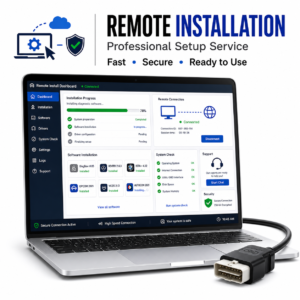
– Une assistance à l'installation est incluse avec chaque outil.
Remarque concernant l'installation :
Certains packs de diagnostic et pilotes d'interface USB plus anciens peuvent être bloqués par un logiciel antivirus lors de leur extraction ou de leur installation. N'utilisez que des fichiers provenant d'une source fiable, suivez le guide fourni, désactivez temporairement la protection uniquement si cela est nécessaire pour l'étape d'installation, puis réactivez la protection antivirus une fois le logiciel et les pilotes installés.
Avertissement :
Une interface de diagnostic compatible est nécessaire et n'est pas fournie, sauf indication contraire expresse. La prise en charge des véhicules, les fonctions, les options de codage, les procédures d'entretien et la disponibilité des données en temps réel dépendent du modèle exact du véhicule, de l'année de fabrication, du type d'ECU, du marché, de la qualité de l'interface, de la compatibilité du pilote et de la configuration de Windows. Utilisez toujours les fonctions de diagnostic et de programmation avec précaution et veillez à disposer d'une alimentation par batterie stable lors de l'exécution de routines d'entretien, d'opérations de codage, d'adaptation ou de mise à jour du firmware.




 English
  German
  Spanish
  Italian
  French
  Hebrew
  Dutch
Dutch  Finnish
  Norwegian
  Swedish
  Polish
pas de problème, je le recommande
Le vendeur m'a aidé à effectuer l'installation à distance
super
Le téléchargement était très lent
le logiciel s'est ouvert sans problème